Chicken Road App 2026:
Android APK & iOS PWA Guide
Chicken Road has no official app store download - get the Android APK from a licensed casino, add the iOS PWA via Safari, or play in browser. RTP 98%.
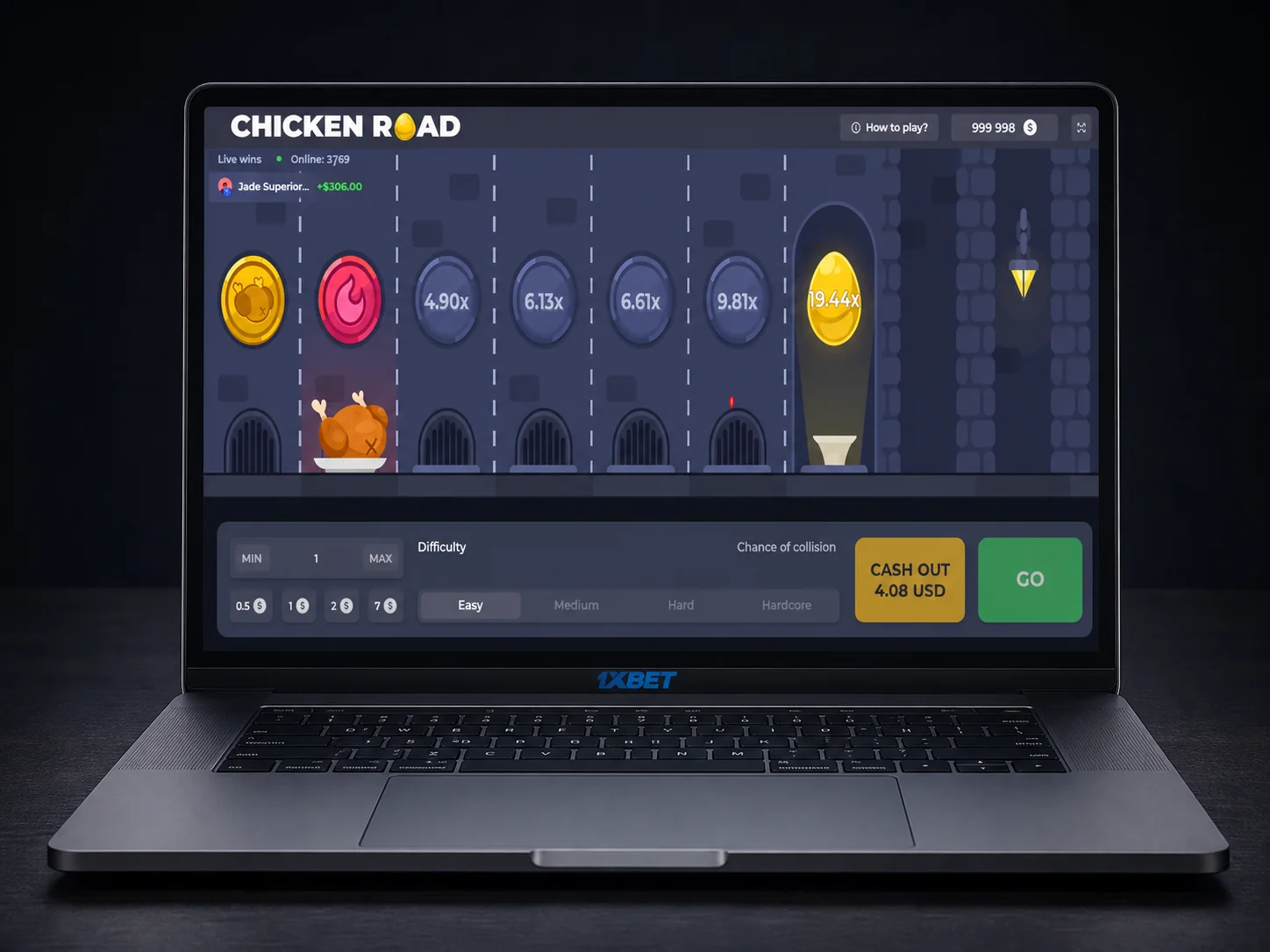

Chicken Road App: Android APK, iOS PWA & Mobile Browser Guide
Chicken Road is a provably-fair crossing game built by InOut Games, and like almost every title in this category it does not ship as a standalone application on Google Play or the App Store. Instead, it runs inside the mobile apps and progressive web apps (PWAs) of the casinos that license it. That means three real ways to play on a phone in India: a casino's native Android APK, an iOS PWA added straight from Safari, or the mobile browser with no install at all. Every method loads the same 98% RTP game engine, so the choice comes down to convenience, storage, and platform rather than fairness or payout.
Three Platform Options
Android · APK
- 01Open the licensed casino's official site on your phone.
- 02Find the "Download App" or "Get APK" link, usually in the account menu.
- 03Allow installs from this source in Android security settings.
- 04Install the APK and log in with your existing account.
- 05Open the casino app and load Chicken Road from the crash/instant-games lobby.
iOS · PWA
- 01Open the casino's site in Safari, not Chrome or another browser.
- 02Tap the Share icon at the bottom of the screen.
- 03Select "Add to Home Screen" and confirm the name.
- 04Launch the new icon like a normal app, then log in and open Chicken Road.
Browser · Any OS
- 01Open your regular mobile browser, no install required.
- 02Log into your casino account as normal.
- 03Navigate to the instant games or crash games section.
- 04Select Chicken Road and play directly, no storage used.
System Requirements & Compatibility
None of the three routes are demanding on hardware. Android APKs from major casinos generally require Android 8.0+ and around 40-80MB of free storage, while the iOS PWA route needs only Safari on iOS 13+ and no dedicated storage beyond browser cache. Both paths assume a stable mobile data or Wi-Fi connection, since Chicken Road's multiplier engine and round outcomes are calculated server-side rather than on the device.
Because the RNG runs on the casino's server, the platform you launch it from has no effect on outcomes. A round played through an Android APK, an iOS PWA, or a plain mobile browser all draw from the identical 98% RTP game, with the same high volatility profile and the same theoretical 2,542,251x maximum multiplier ceiling. What changes between platforms is convenience and connection stability, never fairness.
PWA vs. Native Casino App - Which Should You Use?
A Progressive Web App is essentially a website that behaves like an app once you add it to your home screen. It loads through the browser engine rather than a separately compiled binary, which is why it is the standard route for iOS, where Apple restricts real-money casino apps from the official App Store. Native Android APKs, by contrast, are fully installed applications distributed directly by the casino, which lets them add features like push notifications and offline-cached menus that a browser tab cannot match.
Neither option changes how Chicken Road itself plays. The trade-off is entirely about device experience: an APK takes up storage and needs manual updates, while a PWA updates itself silently every time you open it and leaves no permanent files behind.
| Feature | Native Casino App (APK) | PWA / Mobile Browser |
|---|---|---|
| Install required | Yes, manual APK download | No, tap and play |
| iOS support | Not available (Android only) | Full support via Safari |
| Storage | ~40-80MB | Cache only |
| Push notifications | Supported on most APKs | Limited, browser-dependent |
| Offline play | Lobby only, no offline betting | Not available |
| Auto-updates | Manual re-download | Automatic on every visit |
| Game RTP | 98% | 98% |
For most Android players in India, a licensed casino's native APK is the smoother long-term option: fewer login prompts, faster loading, and optional notifications on new promotions. iPhone users have effectively one supported path, the Safari-based PWA, since native real-money casino apps are not distributed through the App Store.
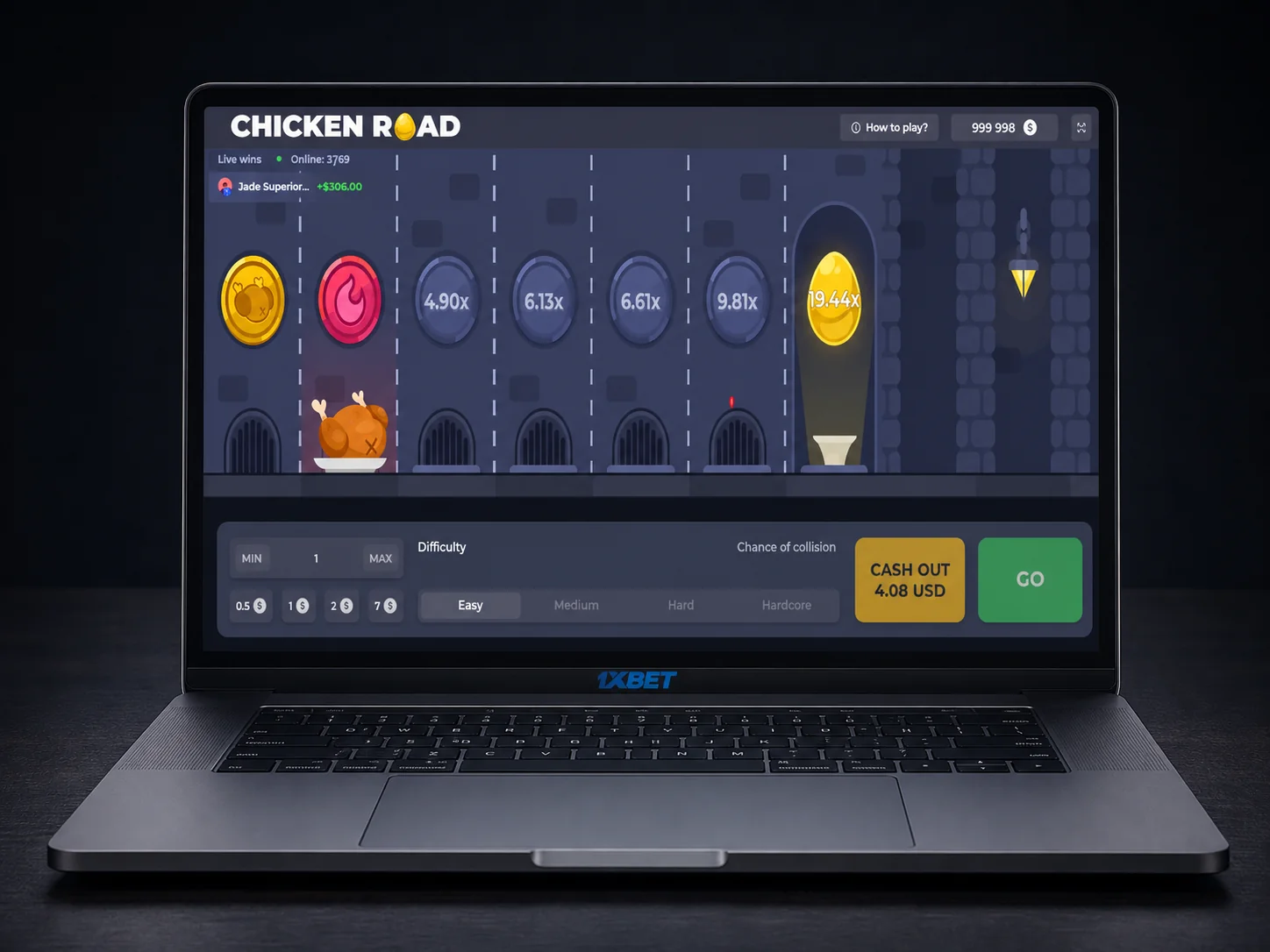
Android APK icon vs. iOS PWA install prompt
Step-by-Step: Android APK Install
-
1Choose a licensed casinoPick an operator that carries Chicken Road and offers a direct APK download, rather than a third-party file host.
-
2Find the download linkOn the casino's mobile site, open the account or menu icon and look for "Download App" or "Get APK".
-
3Allow installs from unknown sourcesAndroid blocks non-Play Store installs by default. Go to Settings, Security, and enable installs from your browser or file manager for this one download.
-
4Install and sign inRun the downloaded APK, grant the requested permissions, then log in with your existing casino account credentials.
-
5Launch Chicken RoadOpen the app's game lobby, filter by crash or instant games, and select Chicken Road to load the same 98% RTP engine used on desktop.
Casinos Offering Chicken Road on Mobile
All of the operators below are accessible to players in India through a mobile browser, and most also maintain their own Android APK. iOS access runs through each casino's own PWA via Safari. App availability and download links can change, so check each casino's current mobile page before installing anything.
| Casino | Android | iOS | Browser / PWA |
|---|---|---|---|
| 1xBet | Check casino site for APK | Safari PWA | Supported |
| Parimatch | Check casino site for APK | Safari PWA | Supported |
| 10Cric | Check casino site for APK | Safari PWA | Supported |
| Mostbet | Check casino site for APK | Safari PWA | Supported |
| Rajabets | Check casino site for APK | Safari PWA | Supported |
| Stake | Check casino site for APK | Safari PWA | Supported |
| BC.Game | Check casino site for APK | Safari PWA | Supported |
| 4rabet | Check casino site for APK | Safari PWA | Supported |
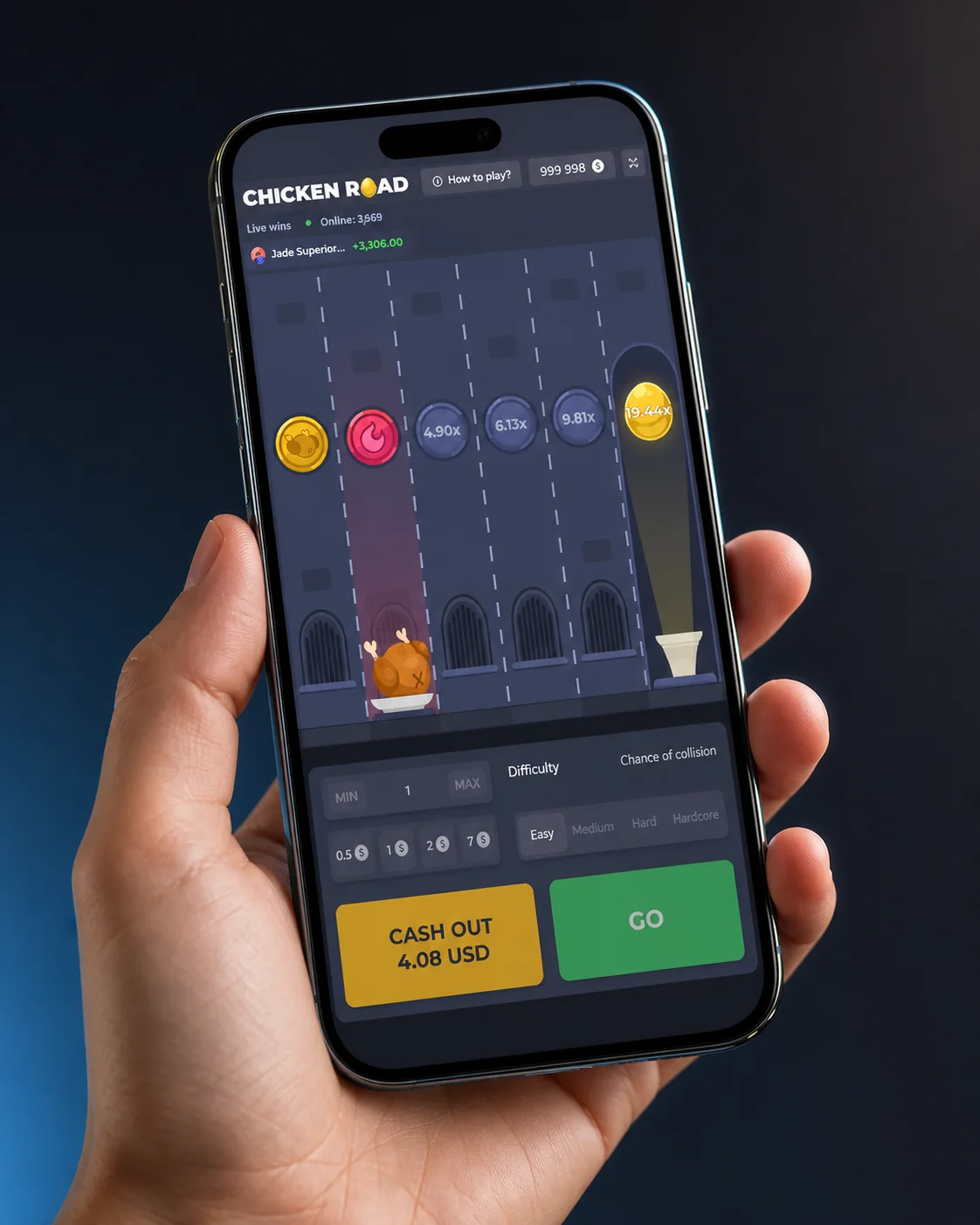
Casino app lobbies listing Chicken Road under instant games
Common Issues & Fixes
Most install and playback problems fall into three buckets: Android's security settings blocking the APK, a corrupted or outdated download, and connection issues that make the round feel like it is freezing when it is actually just waiting on the server. Working through these in order resolves the large majority of reported problems.
iPhone users rarely hit APK-style install errors at all, since the PWA route through Safari sidesteps the permissions and file-format issues that affect Android sideloading. If a PWA icon disappears or stops updating, redoing the "Add to Home Screen" step from Safari almost always fixes it.
FAQ
Is there an official Chicken Road app? +
No. Chicken Road is a game supplied to casinos by InOut Games, not a standalone app. You play it through a licensed casino's Android APK, iOS PWA, or mobile browser.
Why can't I find Chicken Road on Google Play or the App Store? +
Real-money casino apps are generally not permitted on the Play Store or App Store in most regions, so operators distribute their own APKs directly and rely on PWAs for iOS instead.
Is it safe to download a casino's Chicken Road APK? +
It is safe when the APK comes directly from a licensed casino's own official site. Third-party download aggregators and "predictor" versions are not official releases and carry real security risk.
Does the RTP change between the app, PWA, and browser? +
No. All three access methods connect to the same server-side game engine running at 98% RTP with high volatility, so the platform never affects fairness or payout.
Why doesn't the iOS PWA send push notifications? +
Apple restricts full push notification support for home-screen web apps, which limits what a Safari-based PWA can send compared with a native Android APK.